

Comparison · Reviewed October 12, 2026
Scientific Figure Generator vs Mind the Graph
In short
Mind the Graph is an illustration library: you assemble figures, graphical abstracts, and infographics from 75,000+ ready-made scientific illustrations. Scientific Figure Generator generates a new figure from your description, sketch, or reference, and you refine it by chat.
Scientific figure generator
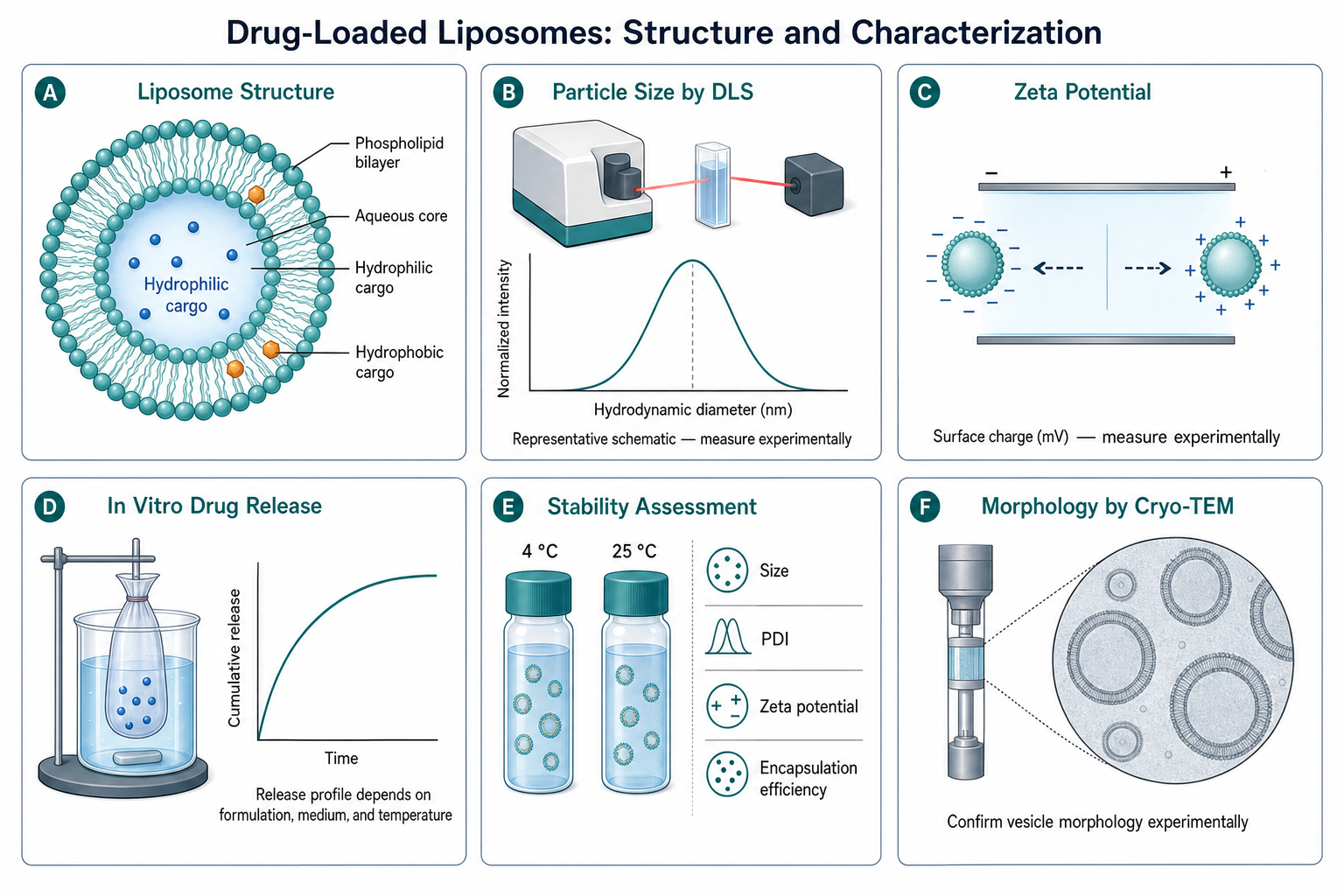
Try the same figure here, then compare it with Mind the Graph
Send this example or describe your own figure. The result opens on a canvas where you mark any detail and say what to change.
5 free figures for new accounts, no card. Downloads have no watermark.
Mind the Graph vs Scientific Figure Generator: feature comparison
Mind the Graph details come from its public pages as checked October 12, 2026; follow the source links for current terms. Mind the Graph is a separate company.
| Decision point | Scientific Figure Generator | Mind the Graph |
|---|---|---|
| Approach | Describe a figure, sketch it, or start from a reference image or template. An AI agent plans the figure and generates it with GPT Image 2.5 Flare (default), GPT Image 2.5 Sunburst, or GPT Image 2. | Drag and drop from a library of 75,000+ scientifically accurate illustrations across 80+ fields, with infographic templates. Source |
| AI generation | Generates new figures from text, sketches, or reference images. | Its homepage does not describe generating figures from text. Source |
| Editing | Circle any region on the canvas and describe the change; the rest of the figure stays as it is. Edit text, split layers, and remove backgrounds or objects. Every edit becomes a connected version, and the original is kept. | Arrange library illustrations and add text in its online editor. |
| Free access | New verified accounts receive 5 free figures (30 credits at signup, 20 the next day), then a daily top-up to 10 credits (one 1K figure). | A free plan, no credit card required. Source |
| Export | PNG at 1K or 2K, with no watermark; downloads are included. A 2× upscale (2K to 4K) is available for print. PowerPoint export with editable text labels is in beta (shapes stay as one picture); editable SVG is not available. | See Mind the Graph’s plans for export formats and resolution. Source |
Which one fits your figure?
Choose Mind the Graph if
- Your figure can be built from standard, ready-made illustrations.
- You want to move each element by hand.
- You want a free library for infographics and graphical abstracts.
Choose Scientific Figure Generator if
- Your mechanism or setup is new and not in an icon library.
- You want a first draft from a written description or a hand sketch.
- You prefer to describe changes rather than rearrange elements by hand.
Questions
Written by the SFG team. Reviewed October 12, 2026.
- Is Scientific Figure Generator a good Mind the Graph alternative?
- It is a different approach. Mind the Graph assembles figures from a library of ready-made illustrations; SFG generates a new figure from your description and lets you refine it by chat. Use SFG when your figure is not covered by standard icons.
- Can I make a graphical abstract with SFG?
- Yes. Describe the question, method, and main finding, generate a draft, and refine it region by region. See the graphical abstract guide for layouts and sizes.
- Are SFG figures editable element by element?
- Not as separate vector objects. You edit by circling a region and describing the change, editing text, or splitting layers. Export is PNG at 1K or 2K, or a beta PowerPoint where the labels are editable text.
More comparisons
- Scientific Figure Generator vs BioRender
- Scientific Figure Generator vs FigureLabs
- Scientific Figure Generator vs SciDraw
- Scientific Figure Generator vs ConceptViz
- Scientific Figure Generator vs Paper Banana
Visit mindthegraph.com for Mind the Graph’s current features and prices. AI-generated figures need review before publication: see the publication checklist and how to cite and disclose AI figures.