

Comparison · Reviewed October 29, 2026
Scientific Figure Generator vs ConceptViz
In short
Both tools plan a figure with you before generating and keep earlier versions. ConceptViz adds charts from your numbers and plans a set of related figures from an uploaded document. Scientific Figure Generator focuses on scientific illustrations you refine by circling regions on a canvas, and its plans cost less per figure.
Scientific figure generator
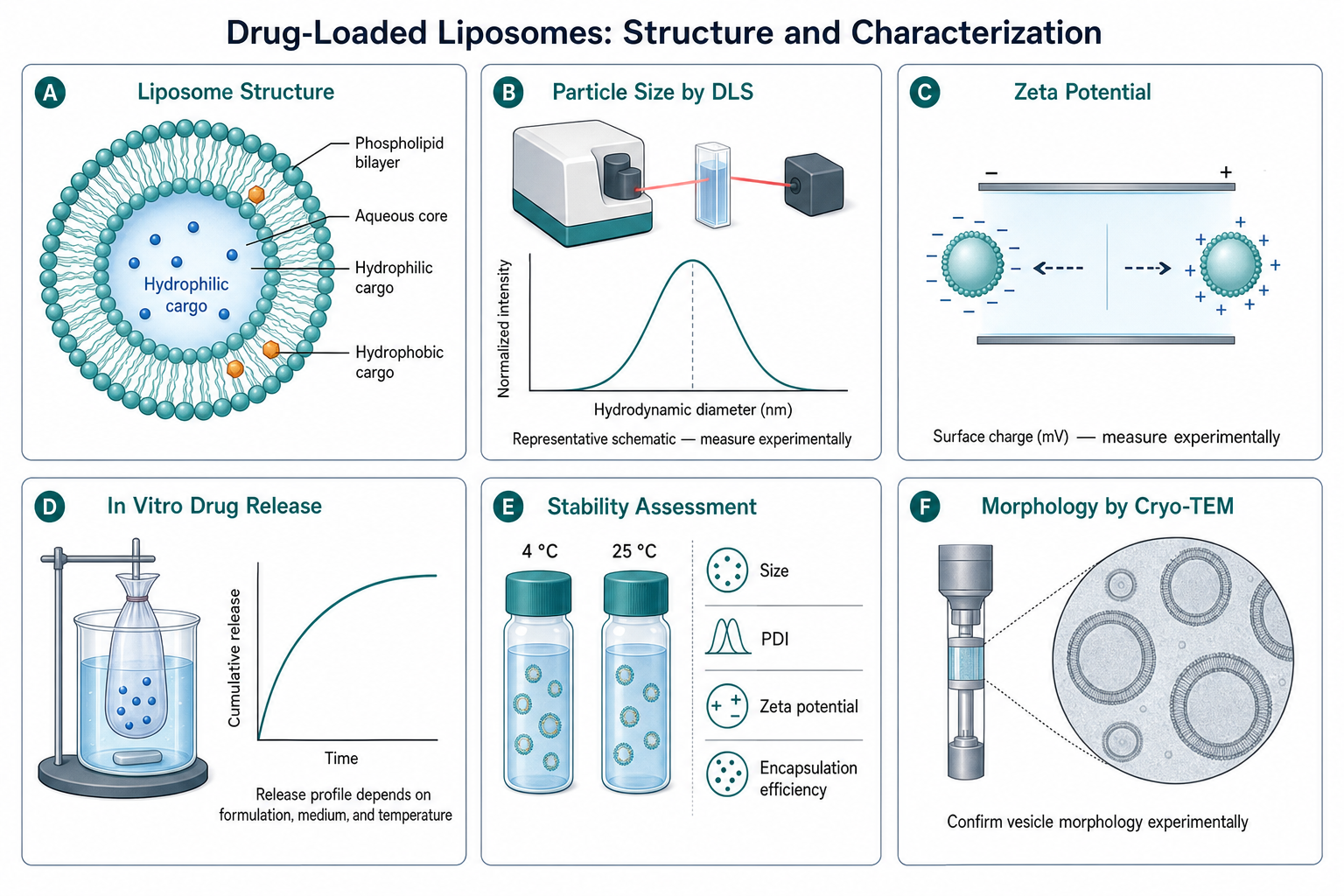
Try the same figure here, then compare it with ConceptViz
Send this example or describe your own figure. The result opens on a canvas where you mark any detail and say what to change.
3 free figures for new accounts, no card. Downloads have no watermark.
ConceptViz vs Scientific Figure Generator: feature comparison
ConceptViz details come from its public pages as checked October 29, 2026; follow the source links for current terms. ConceptViz is a separate company.
| Decision point | Scientific Figure Generator | ConceptViz |
|---|---|---|
| Core focus | AI scientific illustrations you refine by chat on an infinite canvas. | An AI agent for illustrations, flowcharts, and data charts. Source |
| Before generating | With the default review setting, the agent shows its plan and the cost in figures before anything is generated. Only successful results are charged. | The agent writes the prompt and settings for review; nothing is generated or charged until you press Generate. Source |
| Editing | Circle any region on the canvas and describe the change; the rest of the figure stays as it is. Edit text, split layers, and remove backgrounds or objects. Every edit becomes a connected version, and the original is kept. | Targeted edits in plain language; every prior version is kept. Source |
| Export | PNG at 1K or 2K with no watermark; downloads are included, and a 2× upscale (2K to 4K) is available for print. Editable exports in beta: a PowerPoint where every label is a real text box, or an SVG plus PowerPoint where shapes and arrows become vector objects you can recolor and labels stay editable text. A figure with text needs one normal edit, counted as one figure to remove the text from a copy first; that copy stays on the canvas and serves both exports. Flat and line-art figures trace best; 3D renders and gradients come out flatter. | Image downloads; SVG for 2 credits on every plan and PPTX for 4 credits on Pro and Max. Source |
| Free access | New verified accounts receive 3 free figures at signup, and 1 more for answering a short survey. Free figures are 1K. | 2 image credits valid for 7 days and a short agent trial, no card required. Source |
| Paid plans | New verified accounts receive 3 free figures at signup, and 1 more for answering a short survey. Free figures are 1K. A figure is one 1K generation or edit; a 2K result counts as two and is available after your first purchase. Basic is $9.90 a month for 20 figures, about $0.50 each; one-time packs start at $9.90 for 15 figures that never expire. | Billed yearly: Standard $249.90 a year ($20.83 a month) for 45 image credits a month; Pro $829.90 a year for 130; Max $1,499.90 a year for 220. Month-to-month prices are not shown on its pricing page. Source |
Which one fits your figure?
Choose ConceptViz if
- You need charts built from exact numbers.
- You want to plan a set of related figures from an uploaded document.
- You want an image API on a paid plan.
Choose Scientific Figure Generator if
- You mainly make scientific illustrations and want to refine them region by region.
- You want more figures per dollar: 20 figures for $9.90 a month.
- You want a canvas where every version sits side by side.
Questions
Written by the SFG team. Reviewed October 29, 2026.
More comparisons
- BioRender alternative
- FigureLabs alternative
- SciDraw alternative
- Scientific Figure Generator vs Paper Banana
- Scientific Figure Generator vs Mind the Graph
Visit conceptviz.app for ConceptViz’s current features and prices. AI-generated figures need review before publication: see the publication checklist and how to cite and disclose AI figures.