

Scientific Figure Prompts and Examples
Prompt writing guide
Write figure prompts that specify scientific content, relationships, layout, labels, and exclusions before visual style.
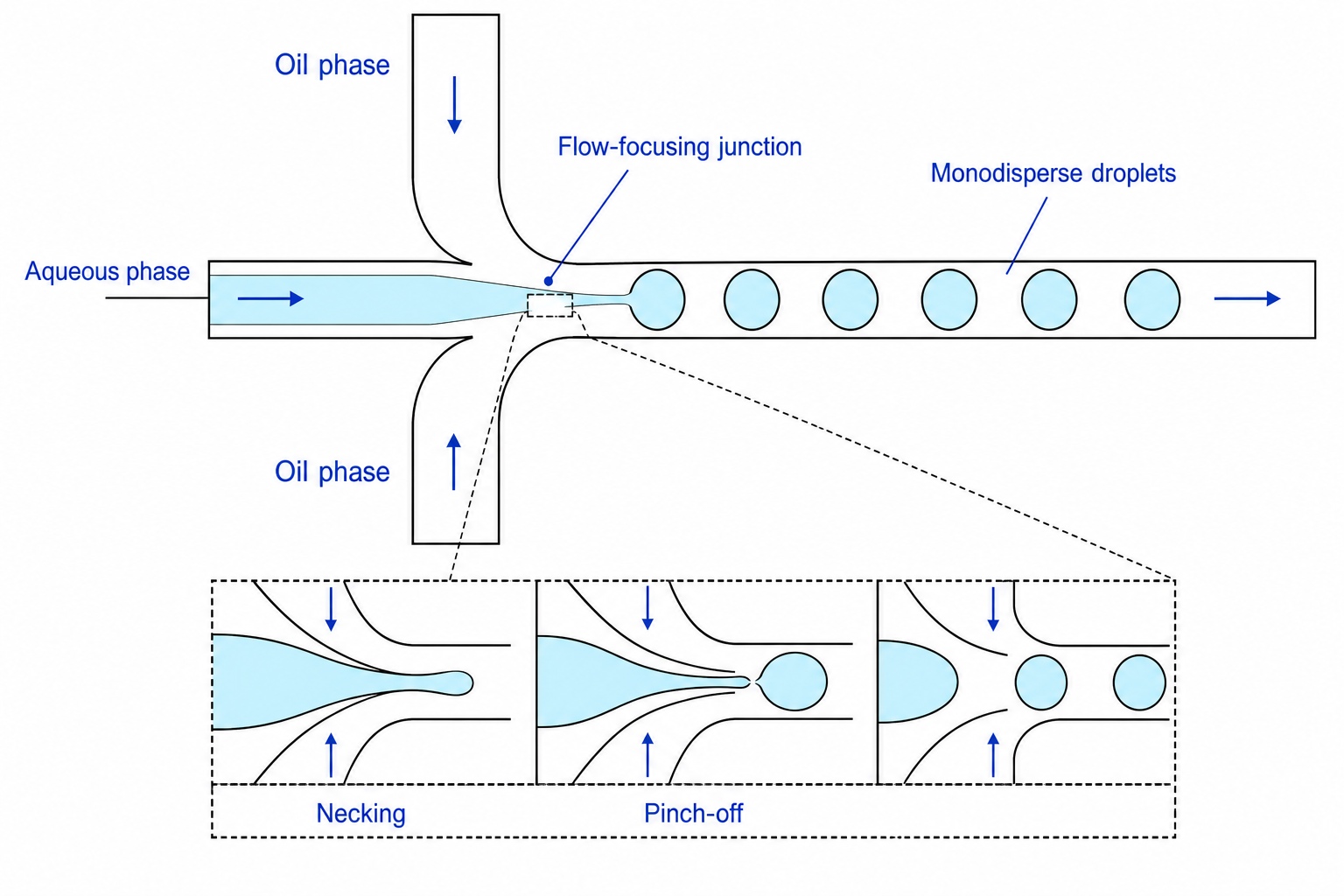
Scientific figure generator
Try a prompt written this way
This example names the content, the relationships, the labels and what to leave out. Edit it for your own figure, then send.
3 free figures for new accounts, no card. Downloads have no watermark.
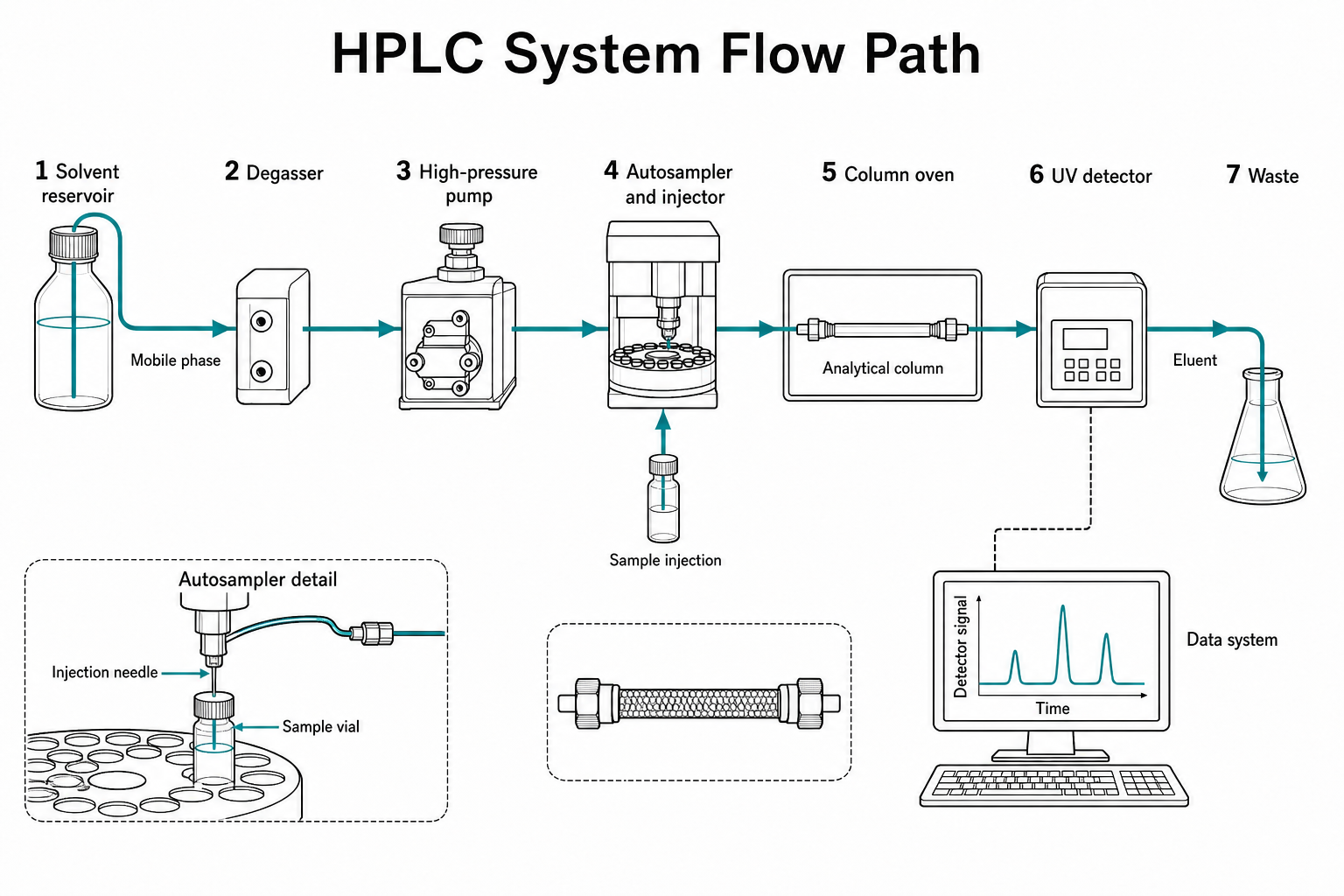
Short answer
Start with the scientific message
Write the prompt as a compact figure specification. Name the scientific subject, required components, exact relationships, reading order, visual style, final context, and anything that must not appear. A precise prompt reduces ambiguity but does not guarantee scientific accuracy.
Generate one structural draft first. Review it against the source material, then revise one category at a time—for example labels, layout, or exclusions. Do not ask an image model to invent measured data, exact molecular structures, or unsupported mechanisms.
- Scientific content and relationships belong at the beginning of the prompt.
- Layout, labels, and exclusions are more useful than broad adjectives such as “professional.”
- Prompt iteration is controlled revision, not repeated generation until an image looks convincing.
Scope first
Choose the tool that matches the evidence
Explanatory illustration and measured evidence are different jobs. Keep that boundary visible throughout the workflow.
Use this generator for
- Labeled mechanisms and pathways
- Methods and research workflows
- Graphical abstracts and visual summaries
- Conceptual device and structure renders
Use validated specialist tools for
- Exact charts derived from numerical data
- Diagnostic, clinical, or microscopy images
- Atomically exact molecular models
- Any visual that cannot be independently reviewed
Step by step
Build a prompt in seven layers
The order matters. Begin with what the figure means, then describe how that meaning should be arranged and rendered.
- 01
Name the figure role
State whether the output is a mechanism, method, workflow, graphical abstract, apparatus schematic, or structural overview. This gives the model a communication task instead of only a scientific topic.
- 02
Define the scientific subject
Identify the organism, cell type, material, device, pathway, or experiment as precisely as your source allows. Replace broad requests such as “a cell diagram” with the specific system and event that matter.
- 03
List every required component
Write the elements that must appear and the exact label text where labels are important. Treat this list as a checklist for reviewing the output, not as a guarantee that every generated element will be correct.
- 04
Describe relationships and direction
Specify which components connect, what arrows mean, where a process starts and ends, and whether the layout contains branches, feedback, comparisons, or boundaries. Relationships carry more scientific meaning than visual polish.
- 05
Set composition and visual language
Choose a left-to-right flow, cutaway, isometric view, central mechanism, or multi-panel comparison. Then select line art, flat illustration, or 3D rendering and define background, color restraint, and level of detail.
- 06
Add publication constraints
State the aspect ratio, expected reading size, grayscale requirement, and whether the figure is for a manuscript, poster, graphical abstract, or presentation. These constraints help prioritize legibility.
- 07
Write explicit exclusions
Name unsupported proteins, decorative particles, extra labels, dramatic lighting, invented numerical values, or other elements that must not appear. Exclusions make review faster and reduce misleading additions.
Decision guide
Select the prompt’s visual system
Use visual style as a functional instruction. Each style should solve a different communication problem.
| Choice | Best for | Watch for |
|---|---|---|
| Line art | Mechanisms, apparatus, methods, arrows, and exact labels | Ask for restrained detail and verify topology |
| Flat illustration | Graphical abstracts, workflows, groups, and teaching visuals | Limit colors and maintain consistent visual roles |
| 3D render | Layering, enclosure, orientation, and spatial context | Control viewpoint and avoid false physical realism |
Prompt library
Reusable scientific figure prompts
Replace the bracketed scientific content with your own verified requirements. Keep the exclusions and review criteria specific to the project.
Mechanism template
A clear [line-art / flat] mechanism diagram of [scientific process], showing [required components and exact labels]. Show [relationship, sequence, and arrow direction] in a [layout] composition. Use [visual constraints] for [publication context]. Exclude [unsupported components, decoration, and claims].
Workflow template
A publication-ready workflow for [experiment or analysis], showing [ordered stages], [branches or decision points], and [final outputs]. Arrange the process [reading direction] with concise labels, consistent shapes, a restrained palette, and a clean background. Do not add steps or equipment that are not listed.
3D structure template
A professional 3D [cutaway / exploded / isometric] conceptual render of [device or structure], showing [layers, components, interfaces, and labels]. Use [viewpoint], neutral lighting, restrained materials, and a clean background. Keep [critical feature] visible and do not imply exact measured geometry.
Common mistakes
Problems to catch before export
Using only style adjectives
Words such as polished, beautiful, or professional do not define the scientific content, relationships, or reading order.
Leaving arrow meaning ambiguous
An arrow can mean movement, activation, inhibition, conversion, or sequence. State the intended meaning and verify the result.
Requesting too many elements at once
Dense prompts can produce crowded layouts and missing labels. Reduce the figure to the components required for one communication task.
Iterating without a review criterion
Repeatedly generating until an image looks plausible rewards appearance rather than accuracy. Compare every version with a written checklist.
Asking the model for evidence
Image generation cannot supply measured values, validate a mechanism, or replace domain review. Use verified sources and analysis tools for evidence.
Final scientific review checklist
- 01The prompt names one figure role and one central message.
- 02Required components and exact labels are listed.
- 03Connections, arrow meanings, boundaries, and reading direction are explicit.
- 04Visual style is tied to a communication need.
- 05Aspect ratio and publication context are stated.
- 06Unsupported content and decorative additions are excluded.
- 07The generated draft is checked against independent source material.
Further reading
Sources and publication guidance
Publisher and journal requirements change. Use these sources as a starting point, then check the instructions for the exact journal receiving your submission.